Early access · runs on your machine

Ask your GPU clusteranything.

DeepLM Ops is a local, read-only assistant for GPU and Slurm questions. See what's free, why a job is waiting, and what will fit, in plain English. Run it with Docker in minutes.

Install on Windows · macOS · Ubuntu

127.0.0.1:8090
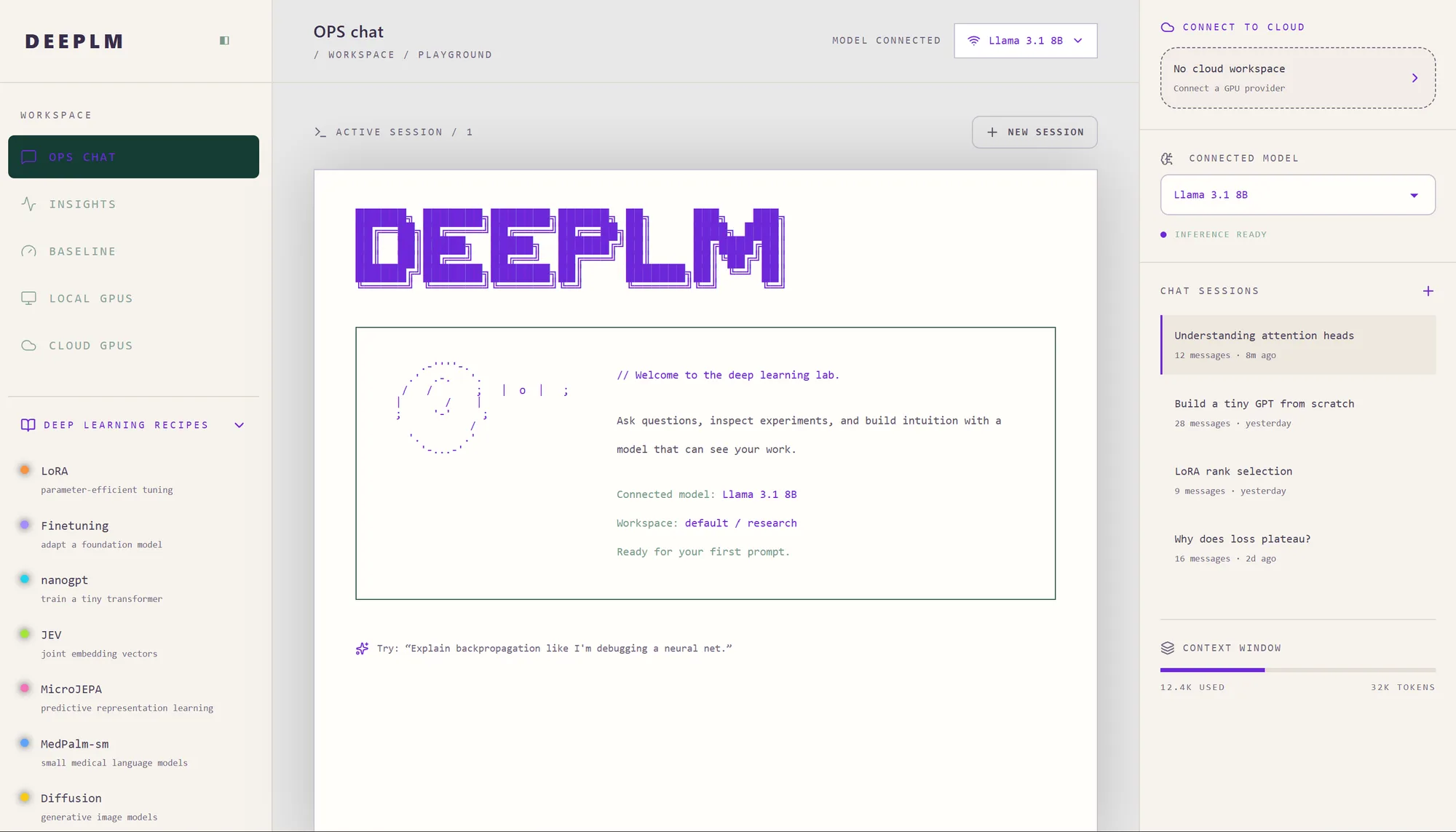
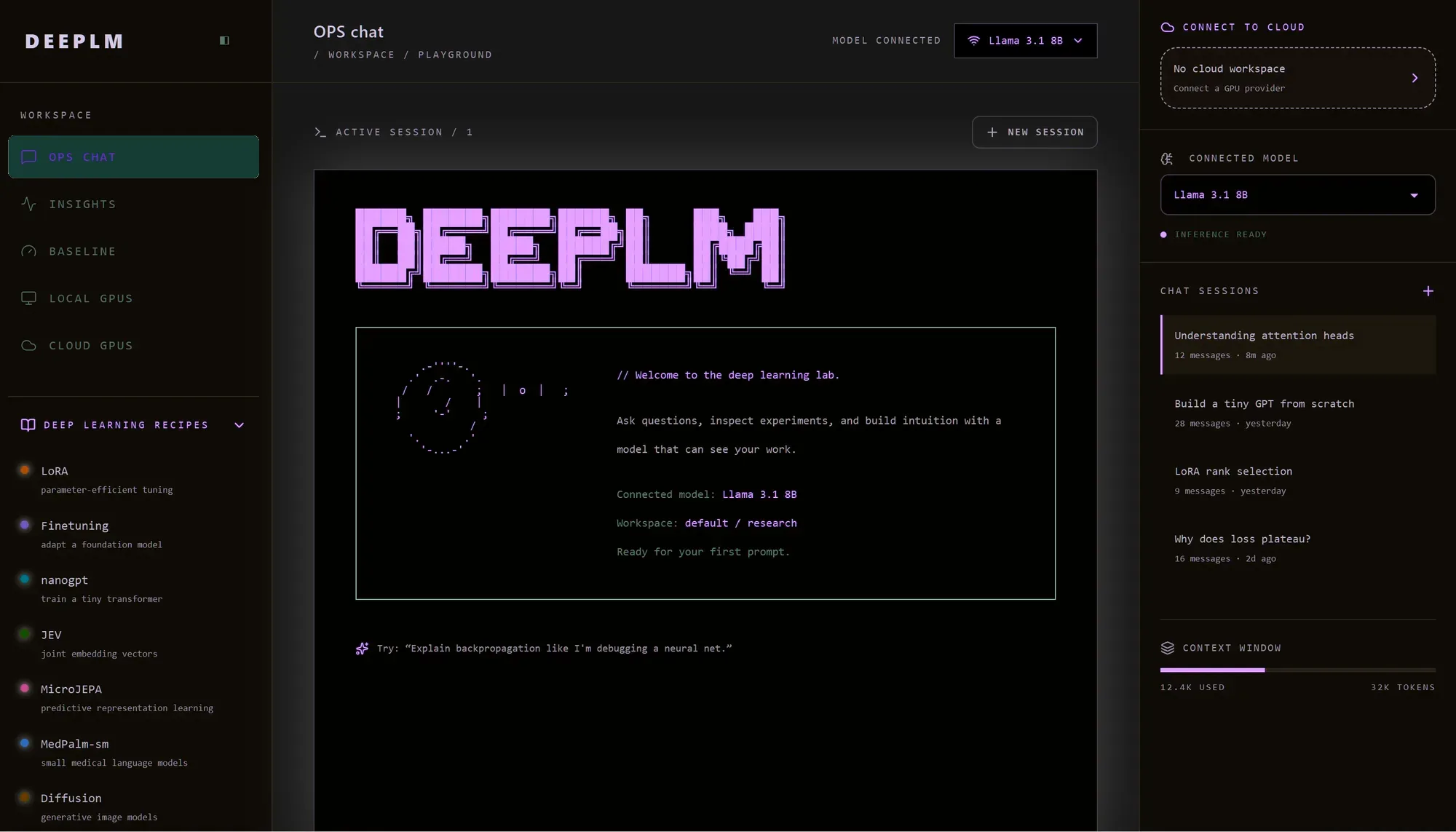
The DeepLM Ops chat interface: a workspace sidebar, a chat panel and a side panel showing the connected model and recent sessions.

Quick start

Running in minutes.

DeepLM Ops runs on your own machine through Docker. It is read-only, so it can answer questions about your cluster but never change it. You need Docker with at least 8 GB of memory. The first start downloads the model once (2.55 GiB).

Your system
  1. 01

    Install Docker on Windows

    Already have Docker? Skip to step 2.

    PowerShell (Admin), then restart
    wsl --install
    PowerShell
    winget install -e --id Docker.DockerDesktop

    Docker Desktop runs on WSL 2. Start Docker Desktop once after installing.

    Full Windows guide
  2. 02

    Get access

    Accept the DeepLM GitHub org invite, then create a classic token with only read:packages. Fine-grained tokens don't work with ghcr.io.

    Create the token
    Log in
    docker login ghcr.io -u <your-github-username>

    Paste the token at the Password prompt.

  3. 03

    Pull the image

    Docker picks the right build for your machine: amd64 for Intel and AMD, CPU-only arm64 for Apple silicon.

    Pull
    docker pull ghcr.io/deeplm/dlm-ops-dev:0.1.1
  4. 04

    Run it

    Run
    docker run -d --name dlm-ops -p 127.0.0.1:8090:8090 -v dlm-ops:/var/lib/dlm-ops --read-only --tmpfs /tmp --tmpfs "/run/dlm:uid=1000,gid=1000,mode=0700" --cap-drop ALL --security-opt no-new-privileges --pids-limit 256 --restart unless-stopped -e DLM_OPS_SLURM=replay ghcr.io/deeplm/dlm-ops-dev:0.1.1

    The demo cluster is a sample campus cluster with made-up jobs. Switch to “My machine” to ask about your own hardware. Add an NVIDIA GPU with the checkbox above.

  5. 05

    Sign in and try it

    Run the command below and open the http://127.0.0.1:8090/#token=… link once it says “model ready”.

    Logs
    docker logs dlm-ops

    That link is a password. Don't paste it into chats, issues or screen shares. docker restart dlm-ops makes a new one.

    Then ask it:

    • Which GPUs are free right now?
    • When will my job 5102 start?
    • Who is using gpu01 right now?
    • Did any of my jobs fail this week?
    • Will Llama 3.1 8B quantized to Q4_K_M fit on an 8 GB GPU?
Step-by-step guides:WindowsmacOSUbuntuAll docs

Stop it with docker rm -f dlm-ops. Hit a bug or a wrong answer? Send us the question you asked and a screenshot (without the sign-in link).

The GPU crisis is real.

Billions spent on GPU infrastructure. Most of it wasted.

60%

Wasted GPU Capacity

GPU clusters run at just 40% utilization. Billions in compute sitting idle.

4×

Training Runs Too Long

Poor scheduling and resource contention make every job take 4× longer.

10×

Demand Outstrips Supply

GPU demand is 10× greater than supply. Every wasted cycle is costly.

0

No Cross-Vendor Solution

No tool optimizes across vendors, families, and generations.

The fix is DeepLM.

One platform. Every GPU. Full optimization.

Intelligent Scheduling

AI-driven resource allocation across compute, storage, and network layers. DeepLM assigns the right GPU to the right workload at the right time — eliminating queue wait and resource contention.

Cross-Hardware Support

Seamless optimization across NVIDIA, AMD, and Intel GPUs. Move workloads freely between vendors and generations without code changes or manual reconfiguration.

Continuous Telemetry

Real-time telemetry feeds a continuously learning optimization engine. Every workload, every scheduling decision, every thermal reading makes the system smarter at eliminating bottlenecks.

85%+ Fleet Utilization

Baseline your current GPU occupancy, then watch DeepLM push it from the industry average of 40% to 85%+ across your entire fleet. Measure the savings in real dollars.

Cloud-grade GPU infra.

Run:ai for the rest. Full-stack observability and optimization across Kubernetes, SLURM, ROCm, and CUDA — regardless of vendor or generation. Monitor utilization, thermals, power, and workload health at every layer.

KubernetesROCmCUDASLURMNVIDIAAMD
GPU-0
87%
UTIL
72°
TEMP
285W
PWR
GPU-1
NIC-0
CHASSIS
DeepLM

From insights to optimizer.

DeepLM ships in two phases. Start with full visibility into GPU fleet performance — utilization, benchmarks, and actionable compute unlocks. Then graduate to automatic cross-vendor workload migration and optimization.

Free

DeepLM Insights

Real-time monitoring and reporting for HPC/SLURM GPU clusters.

5 Grafana dashboards — jobs, power, thermals, checkpoints
Prometheus metrics via SLURM prologue/epilogue hooks
Cassandra-backed history + optional NVIDIA BCM integration
Explore Insights
Coming Soon

DeepLM Optimizer

Cross-vendor workload migration and optimization.

Multi-instance GPU management
Cross-vendor workload migration
NVIDIA → AMD seamless
Coming soon

Infrastructure veterans.

Our founding team comes from the companies that built modern AI and cloud infrastructure.

Founders & Engineers

Google
NVIDIA
Microsoft Research
Apple
DeepMind

Advisors

MIT
Bell Labs
Lucent
Microsoft
HashiCorp

Start building.

Fork the repo, spin up a cluster, and see the difference.

Try Now